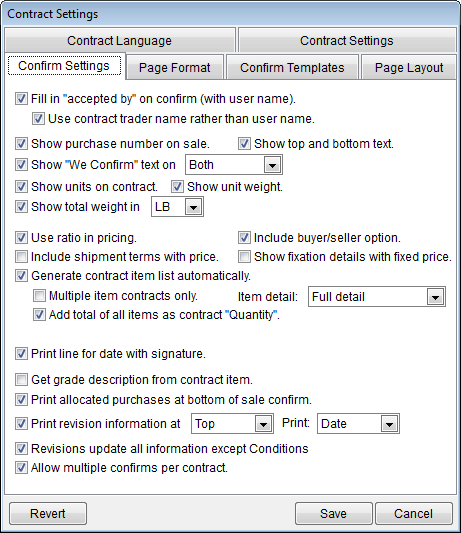
Confirm Settings Examples Confirm Settings Examples
Accepted By
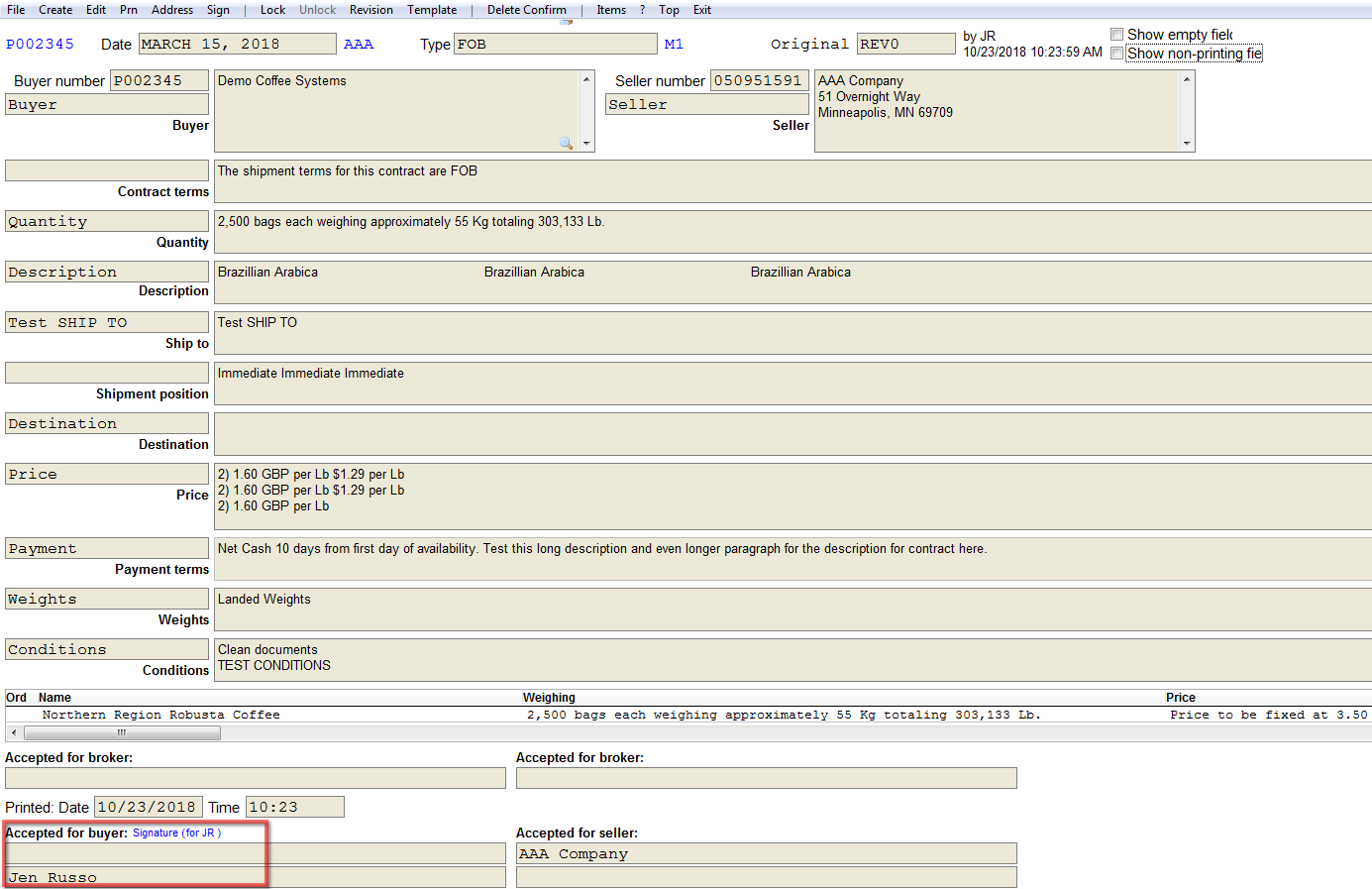
Fill in “accepted by” on confirm (with username) - When checked, looks
up the full user name in the User File and adds it to the bottom of the
confirmation.
Accepted by on confirm comfirmation Contract Trader Name
Contract trader name will show instead of user name.
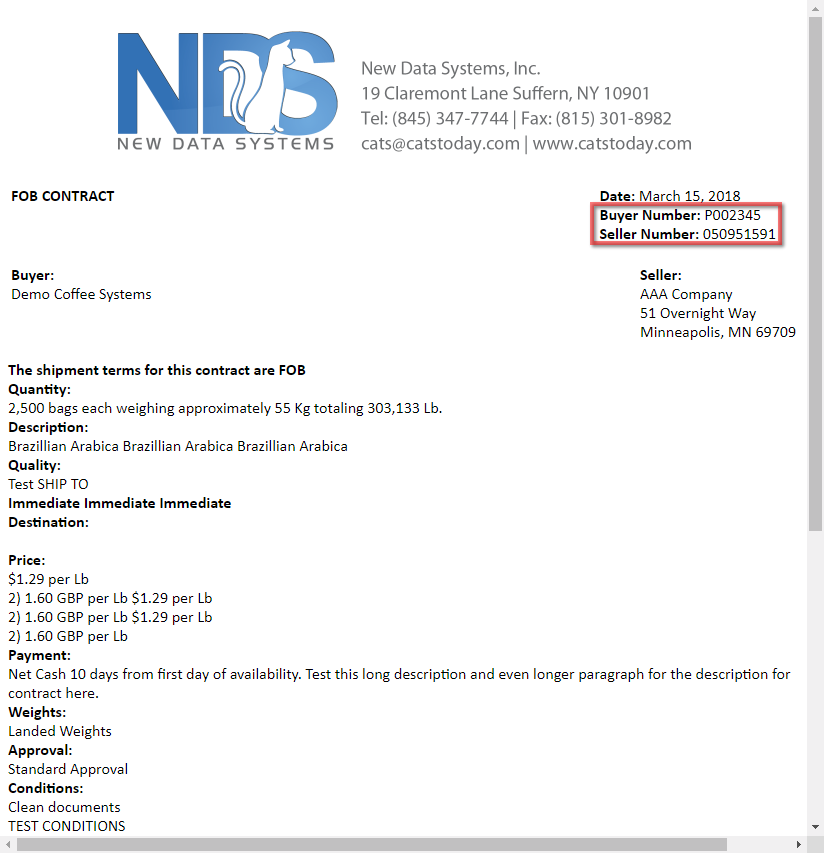
Show purchase number on sale
Show top and bottom text
Show we confirm text
Show units on contract
Show unit weight on contract
Show total weight in [Measure Type]
Use ratio in pricing
Include buyer/seller option
Include shipment items with price
Show fixation details with fixed price
Generate contract item list automatically
Print line for date with signature
Get grade description from contract
Print allocated purchases at bottom of sale confirm