How to Change the Grade/Description (or other Code) on a Contract Item
How to Change the Grade/Description (or other Code) on a Contract Item
You can change the following codes on an existing contract item from this area:
- Grade/Description.
- Buyer/Seller Account Code
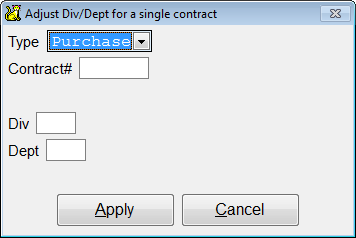
- Divison/Department
Go to Maintenance > Adjustments > Single Purch/Sale Description /Acct.
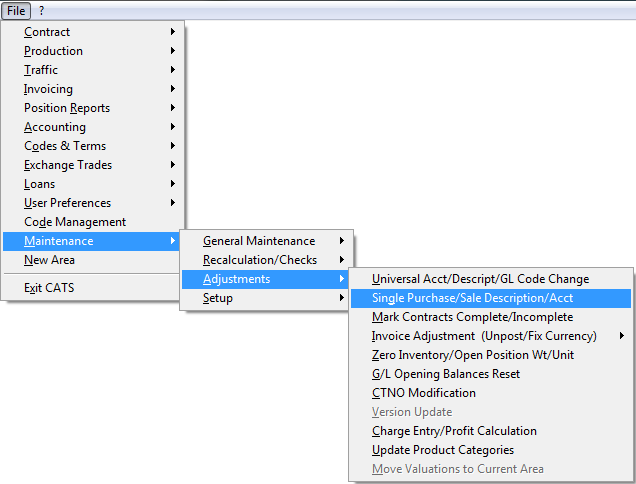
Adjust one contract menu will come up. Choose the menu option of what
you want to change.
(The Division menu item will be available if you have division/dept
turned on.)

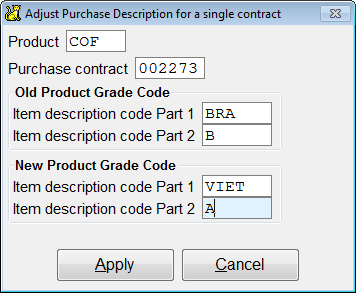
Purchase (or Sale) Description
Enter the old description. The first slot is for the code and the second
is for if it’s A, B, C, 2, etc. Pick Apply. You will see a process
that CATS goes through, then return to the previous menu.\
Purchase (or Sale) Account\
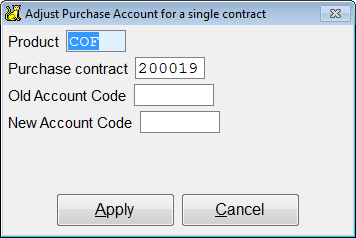
Enter the old and new accounts, then pick Apply.
Division\