Open Position Quick View
Open Position Quick View
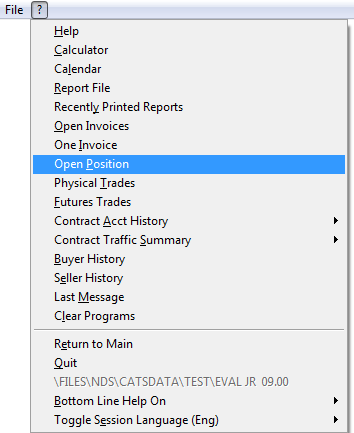
CATS has a quick view for open position report. From the main screen, go to ? (question mark menu) > Open Position.
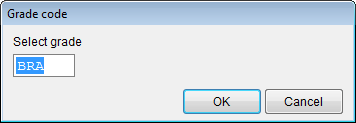
Enter a grade code and then OK.\
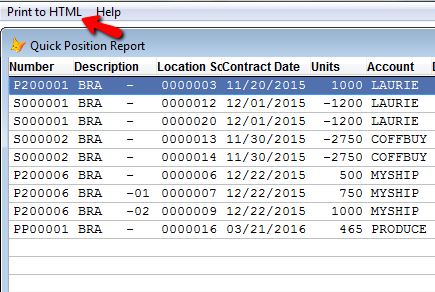
The quick position report will pop up. Here you can print, filter, and order or move columns.\
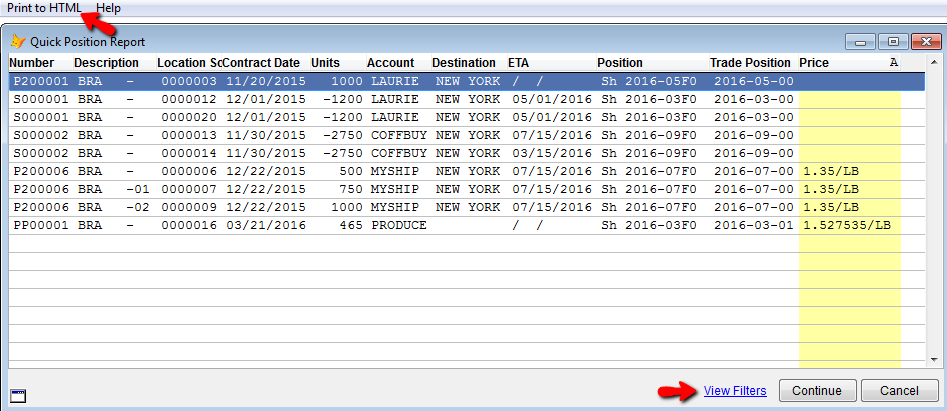
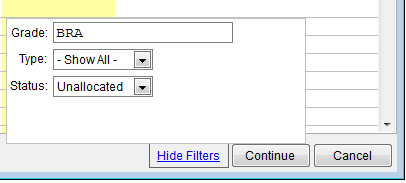
Click on View Filters to change the grade, type or status. Then click Continue to apply filters.\
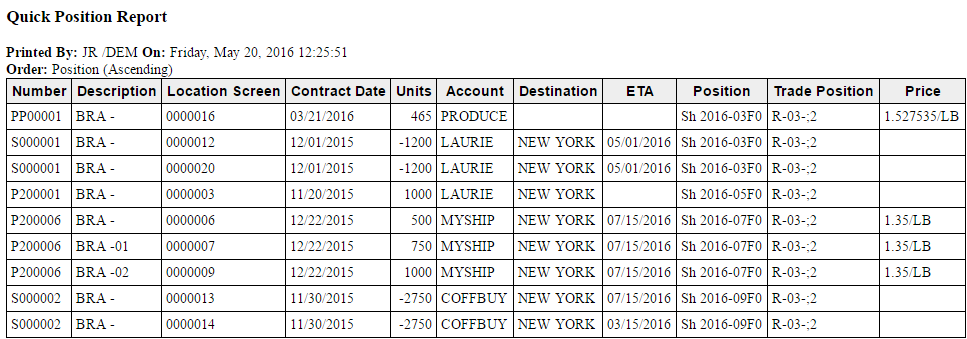
Select Print HTML, in the top left corner, to show the report.\
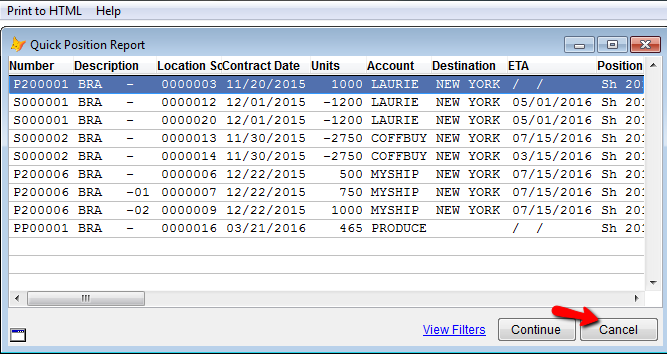
Select Cancel from the list to return to the main menu screen.\