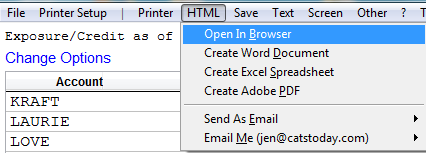
Counterparty Exposure/Credit Report
Counterparty Exposure/Credit Report
Exposure is the value of all purchase and sale contracts against a particular account with invoices in the system. Credit is the amount you can extend to a customer.
In CATS, you can run a report that will show the exposure/ credit for one account. Use the ? (question mark) on the top of any menu screen. Go to ? > Exposure/Credit.
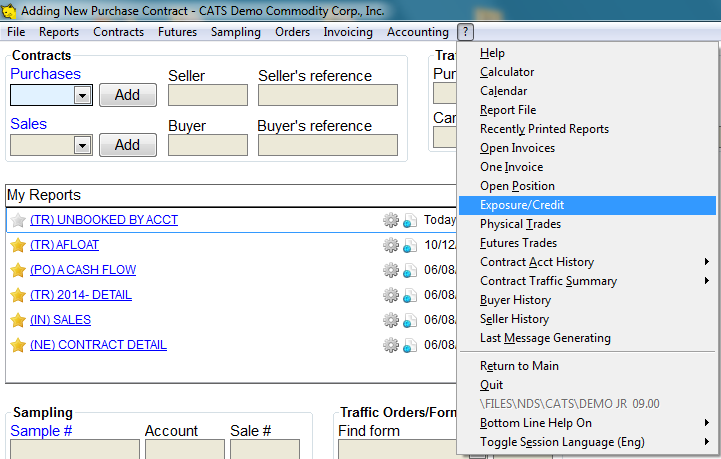
\
On the credit/ exposure screen, choose Change Options to change the report options.

Change exposure report options.
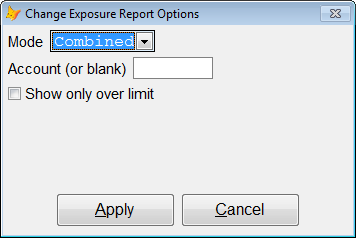
- Mode - see below.
* Choose an account or leave blank to show all accounts.
* Check the box Show only over limit if you want to see accounts that are over their limit.\
Use the dropdown arrown next to Mode to choose: Exposure, Credit or Combined(exposure & credit)
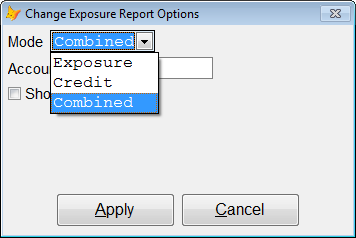
Press Apply to continue.
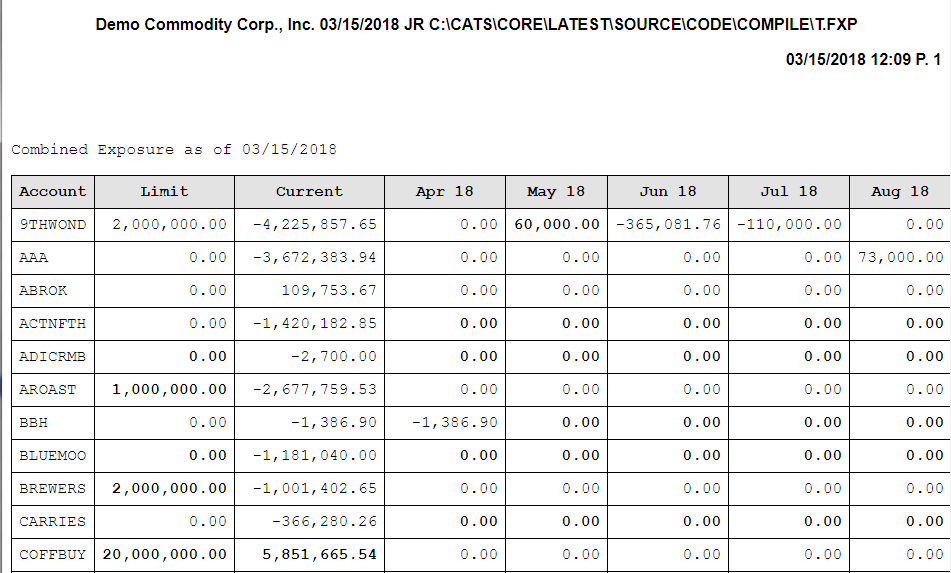
The exposure/credit report will show.

View and print as usual.