Production Report
Production Report
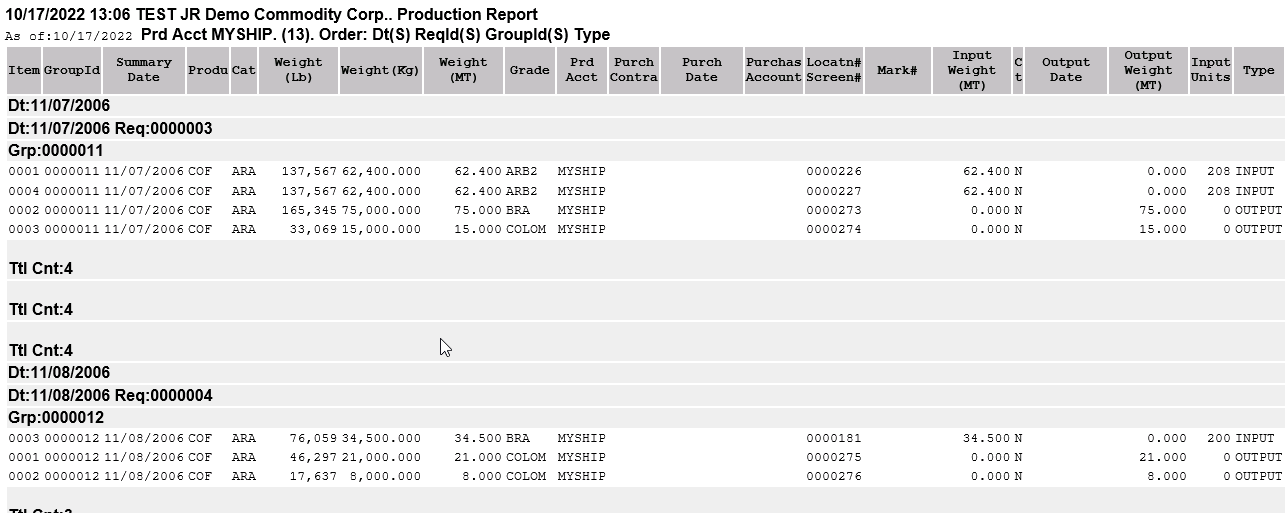
The production report allows users to view details of inputs and outputs of productions based on filter selection. Print a single production or multiple. Go to File > Position Reports > Production.
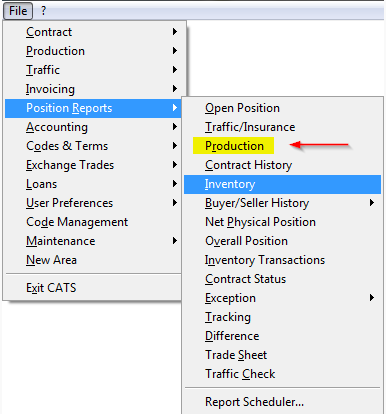
\
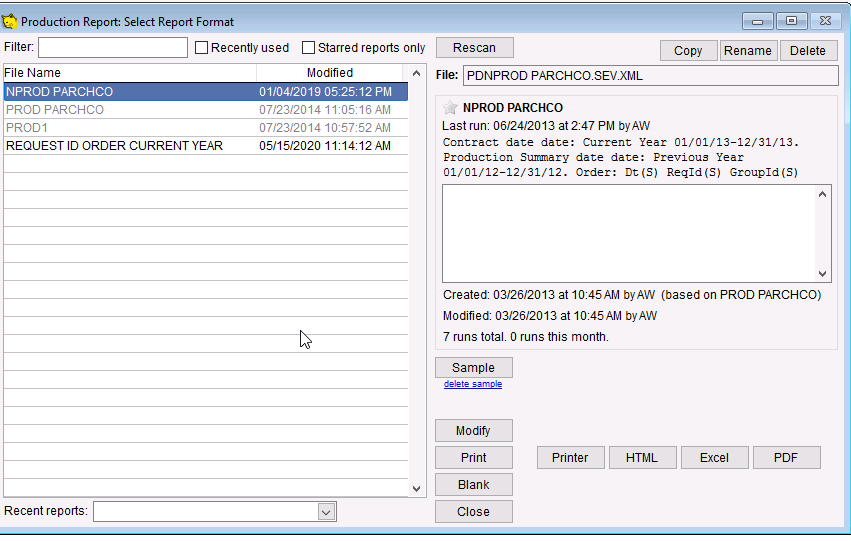
Select report from the list to modify or print.
Add or remove filters for this report.
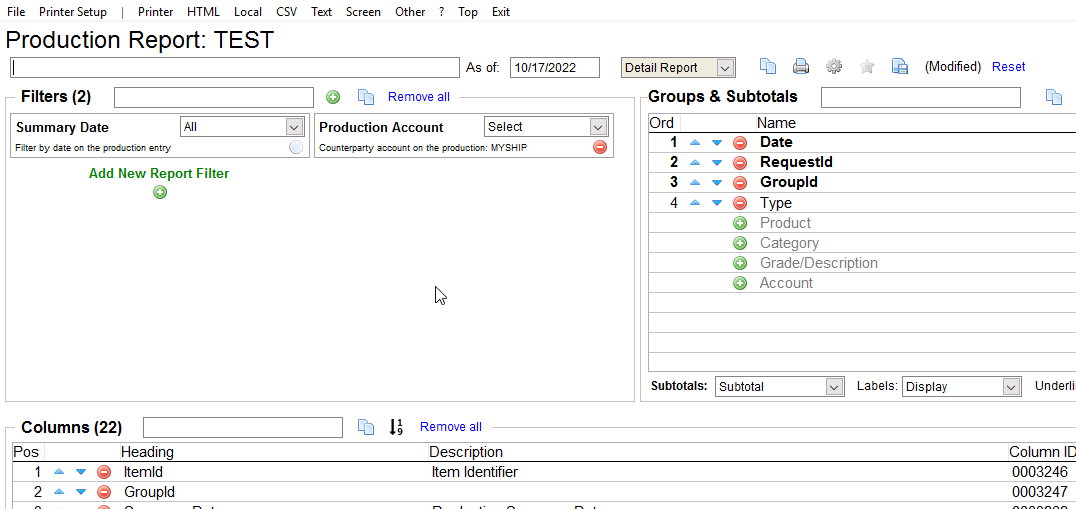
Choose a output to print the report
\